Supertext AI translation for WordPress (WPML)
AI translation into your WPML languages, professional translation orders and XLIFF/HTML translation files
Using Polylang instead of WPML? There is a Supertext plugin for Polylang too. Supertext for Polylang →
How it works
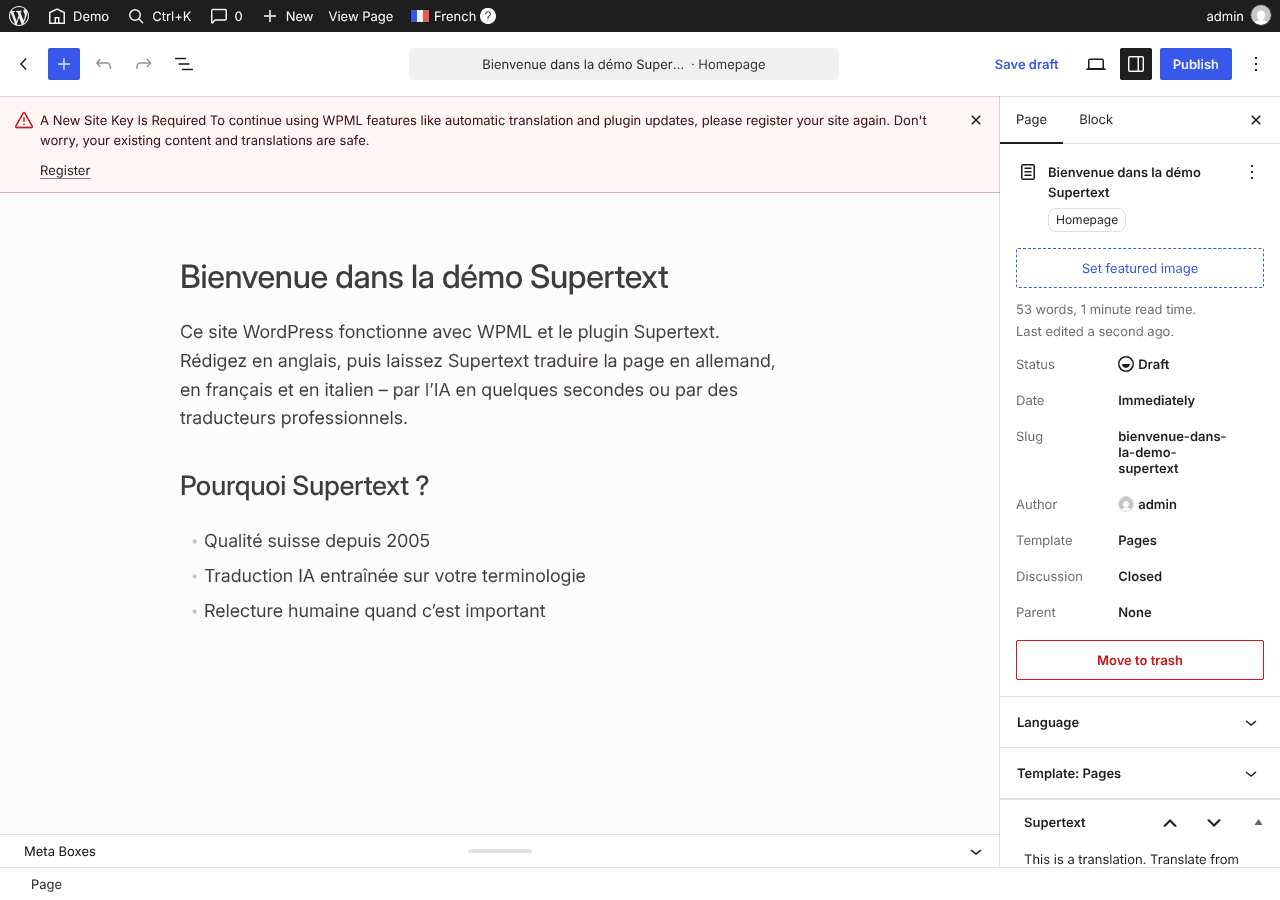
For AI translation, editors open a post or page and click Translate next to a language in the Supertext box. Supertext translates the title, the content block by block, the excerpt, the custom fields WPML translates and untranslated categories and tags, and creates the translation as a draft linked to the original in WPML. Translate again replaces an existing translation after a warning. In the Posts or Pages list, the Supertext AI Translation bulk action translates many posts at once and never overwrites existing translations.
For professional translation, editors choose Supertext Human Translation in the bulk actions, pick a language and translation type, and select a delivery option with its quoted price. When Supertext delivers, the translation is written into WPML automatically and tracked on the Orders page.
WPML has no interface for third-party machine translation services, so Supertext brings its own box and bulk actions instead of appearing inside WPML's translation editor. The plugin is independent of the Polylang one.
What Supertext does in WordPress (WPML)
- Supertext box in the editor: translate a post or page into each WPML language with one click
- Translates many posts at once with the Supertext AI Translation bulk action
- Orders professional human translation with a live price quote, written back into WPML on delivery
- Respects WPML's custom field settings and taxonomies, and translates YOOtheme Pro layouts
- Translations are created as drafts, linked to their original in WPML
About WordPress (WPML)
WordPress is the most widely used open source content management system, written in PHP and powering everything from personal blogs to large corporate sites. WPML (WPML Multilingual CMS) is the most widely used commercial plugin for multilingual WordPress sites: it links posts, pages, taxonomies and custom fields across languages and comes with its own translation management.
Use your own translation tool
Export content as XLIFF 1.2 and HTML, translate it with your agency or CAT tool, and import it back.
Compared with built-in translation
WPML translates with its own AI engine, PTC, and has made DeepL, Google and Microsoft “legacy”; by default its automatic translations are published without review. Supertext creates drafts linked in WPML for you to check, into Swiss variants with formal address, hosted in Switzerland, and orders professional translation when a text has to be perfect.
Getting started
No Supertext account yet? Create one at supertext.com. Generate your API key at supertext.com → Integrations → API (requires the Admin role).
Questions about Supertext for WordPress (WPML)
What do I need to use Supertext with WordPress (WPML)?
WordPress 6.4+ with WPML Multilingual CMS · PHP 8.2+. Type of integration: WordPress plugin for WPML: bulk actions in the posts and pages lists and a Supertext box in the editor. You also need a Supertext account and an API key: generate it at supertext.com → Integrations → API (requires the Admin role).
What does Supertext translate in WordPress (WPML)?
- Supertext box in the editor: translate a post or page into each WPML language with one click
- Translates many posts at once with the Supertext AI Translation bulk action
- Orders professional human translation with a live price quote, written back into WPML on delivery
- Respects WPML's custom field settings and taxonomies, and translates YOOtheme Pro layouts
- Translations are created as drafts, linked to their original in WPML
Which languages are supported?
All Supertext languages, with regional variants such as Swiss German (de-CH), French (fr-CH) and Italian (it-CH) and, where the language has one, formal or informal address. Editors review the result in WordPress (WPML) before publishing.
Is the WordPress (WPML) plugin free?
Yes. The plugin is free and open source (GPL-2.0-or-later). Translations are done with your Supertext account. Support and localization services are available as subscriptions.
More integrations
CMS
Adobe Experience Manager
Sends AEM translation projects to Supertext and imports the results
AEM 6.5
ApostropheCMS
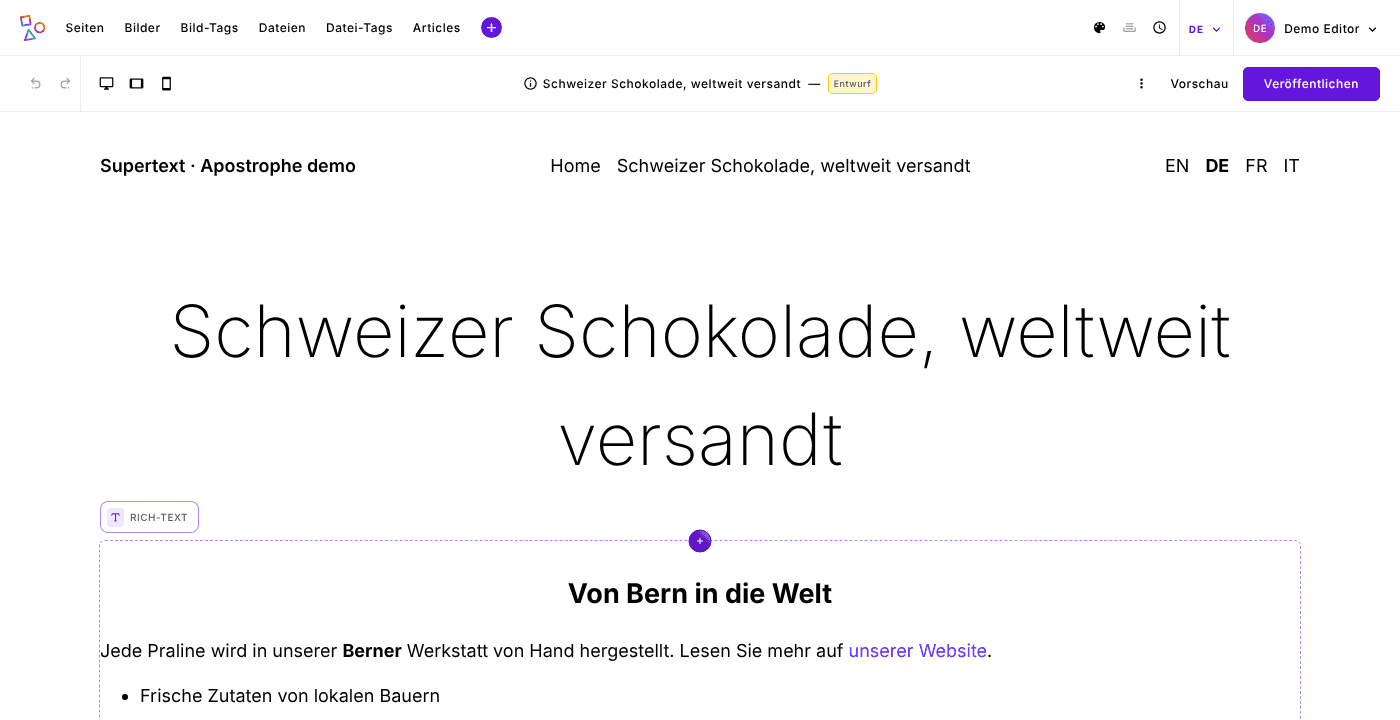
Translates pages and pieces as editors localize them, widgets and rich text included
ApostropheCMS 4.13 or later · Node.js 22.12+
Contao
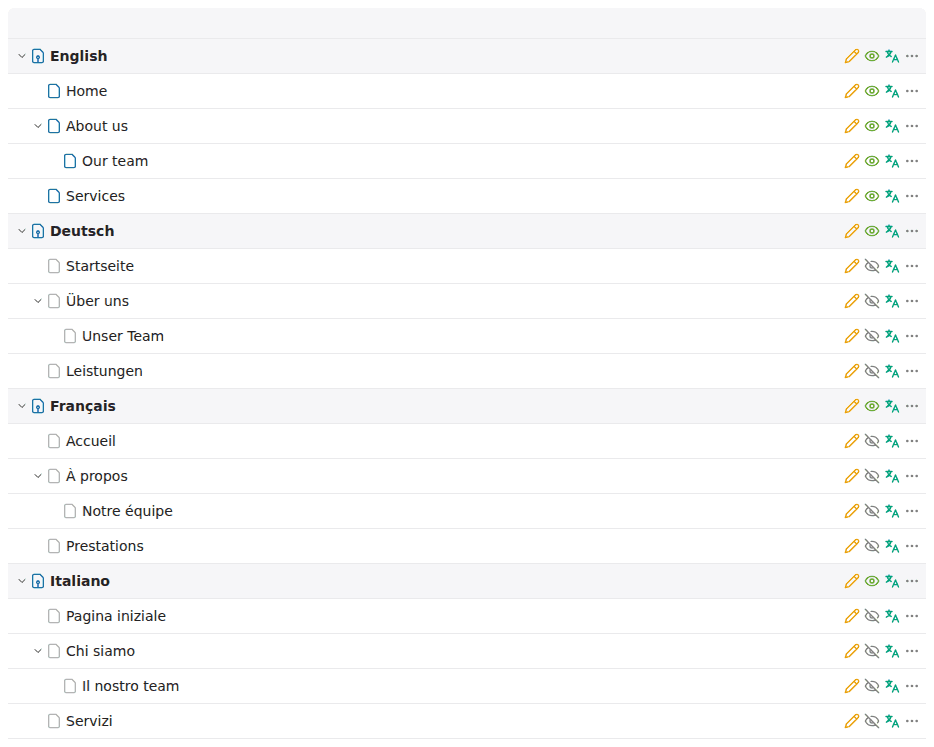
Translate with Supertext in the site structure: pages or whole websites into other languages
Contao 5.7 and 6.0 · PHP 8.3+
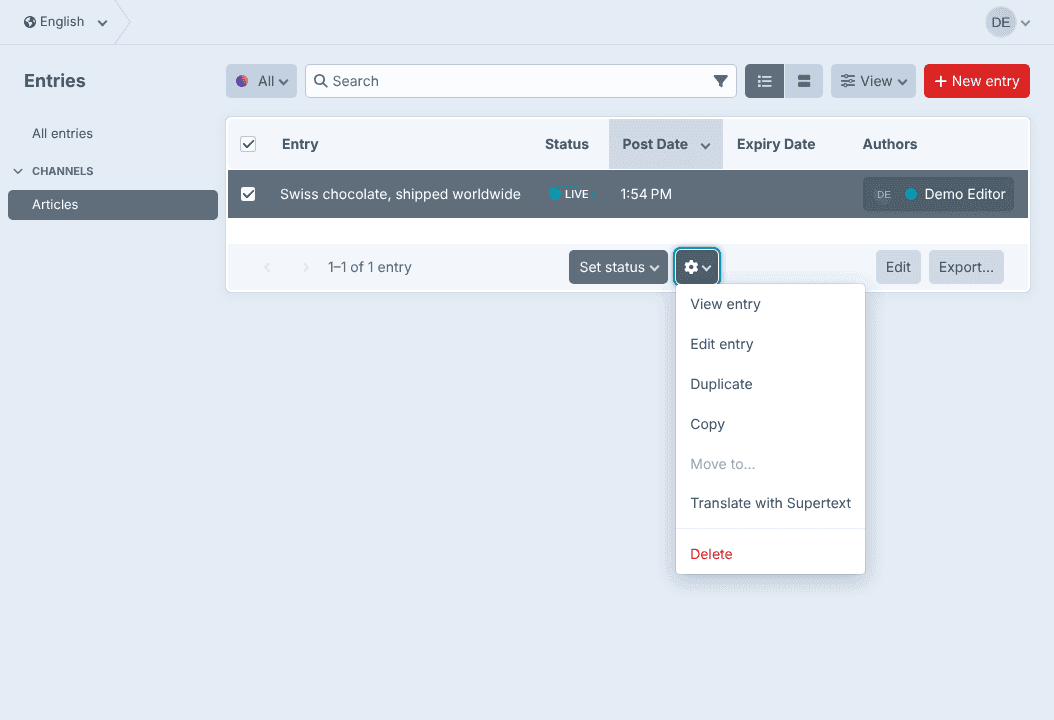
Craft CMS
Translates entries into your other sites, Matrix and rich text included
Craft CMS 5 · PHP 8.2+