 Integrations
Supertext AI translation for WordPress (Polylang)
AI translation next to DeepL in Polylang, and human translation orders
Using WPML instead of Polylang? There is a Supertext plugin for WPML too. Supertext for WPML →
How it works
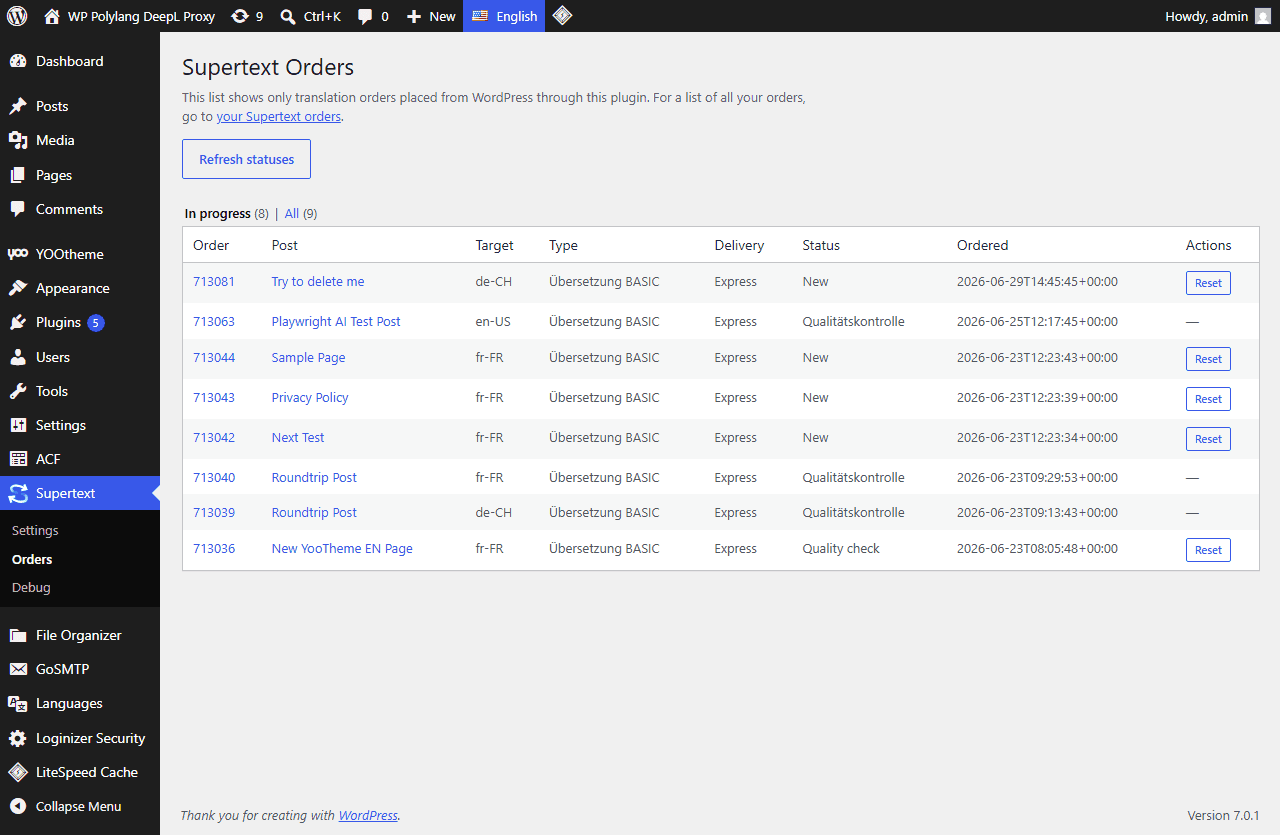
For AI translation, editors use Polylang's usual translate button, marked with the Supertext logo, to create a linked translation of a post or page. In the Posts or Pages list they can also select several items, choose Supertext AI Translation as the bulk action and pick a target language.
For professional translation, editors choose Supertext Human Translation, pick a language and translation type, and select a delivery option with its quoted price. When Supertext completes the order, the translation is written back automatically as a draft or published post, depending on the settings, and tracked on the Orders page.
What Supertext does in WordPress (Polylang)
- Adds Supertext as a machine translation service in Polylang Pro
- Translates single posts from Polylang's buttons or many at once via bulk action
- Orders professional human translation with a live price quote from WordPress
- Covers Gutenberg, classic editor, ACF, terms and SEO meta via Polylang's pipeline
- Adds translation support for YOOtheme Pro layouts and Gravity Forms
About WordPress (Polylang)
WordPress is the most widely used open source content management system, written in PHP and powering everything from personal blogs to large corporate sites. Its large ecosystem of themes and plugins lets site owners extend it without custom development. Multilingual WordPress sites often use Polylang Pro, a commercial plugin that links posts, pages and terms across languages.
Use your own translation tool
Export content as XLIFF 1.2 and HTML, translate it with your agency or CAT tool, and import it back.
Compared with built-in translation
Polylang Pro has DeepL built in, one post at a time, as a draft. Supertext sits right next to DeepL in the same menu, so you can compare both on your own content, and adds professional translation orders when a text has to be perfect.
Getting started
No Supertext account yet? Create one at supertext.com. Generate your API key at supertext.com → Integrations → API (requires the Admin role).
Questions about Supertext for WordPress (Polylang)
What do I need to use Supertext with WordPress (Polylang)?
WordPress 6.0+ with Polylang Pro (Machine Translation) · PHP 8.1+. Type of integration: WordPress plugin: a machine-translation service for Polylang Pro, plus professional translation orders. You also need a Supertext account and an API key: generate it at supertext.com → Integrations → API (requires the Admin role).
What does Supertext translate in WordPress (Polylang)?
- Adds Supertext as a machine translation service in Polylang Pro
- Translates single posts from Polylang's buttons or many at once via bulk action
- Orders professional human translation with a live price quote from WordPress
- Covers Gutenberg, classic editor, ACF, terms and SEO meta via Polylang's pipeline
- Adds translation support for YOOtheme Pro layouts and Gravity Forms
Which languages are supported?
All Supertext languages, with regional variants such as Swiss German (de-CH), French (fr-CH) and Italian (it-CH) and, where the language has one, formal or informal address. Editors review the result in WordPress (Polylang) before publishing.
Is the WordPress (Polylang) plugin free?
Yes. The plugin is free and open source (GPL-2.0-or-later). Translations are done with your Supertext account. Support and localization services are available as subscriptions.
More integrations
CMS
Adobe Experience Manager
Sends AEM translation projects to Supertext and imports the results
AEM 6.5
ApostropheCMS
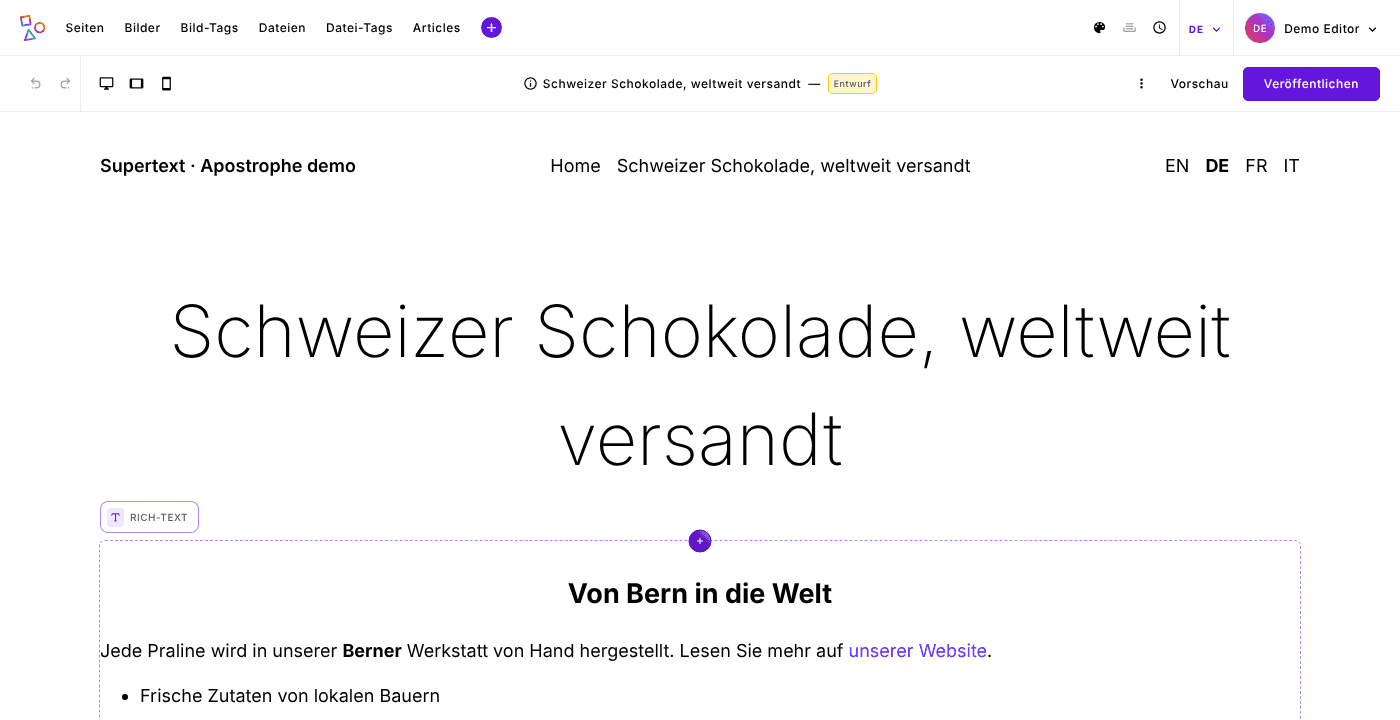
Translates pages and pieces as editors localize them, widgets and rich text included
ApostropheCMS 4.13 or later · Node.js 22.12+
Contao
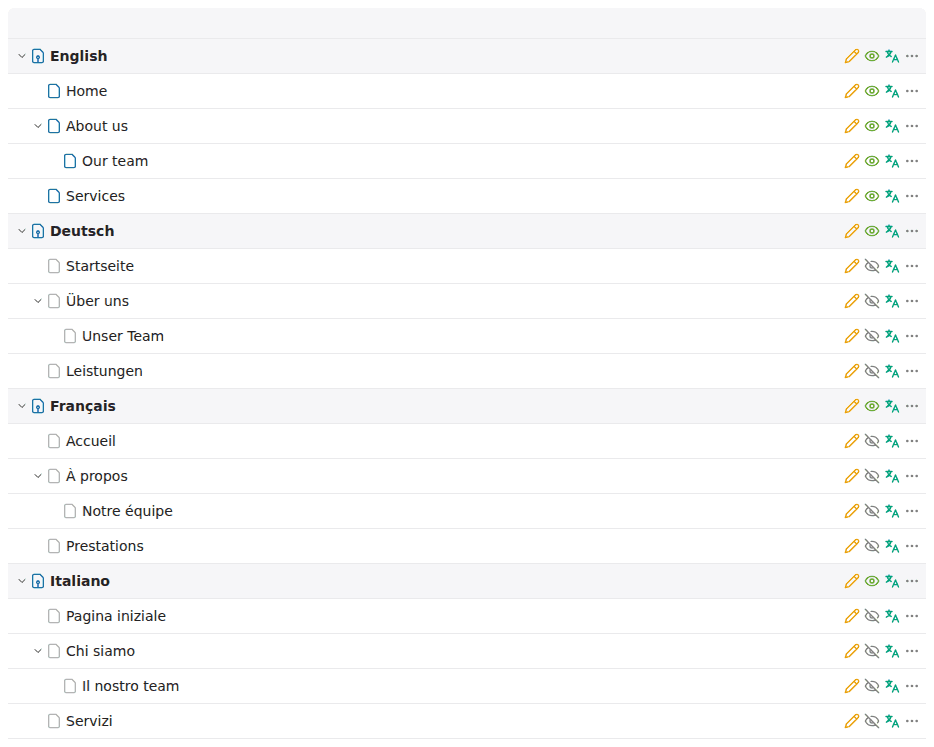
Translate with Supertext in the site structure: pages or whole websites into other languages
Contao 5.7 and 6.0 · PHP 8.3+
Craft CMS
Translates entries into your other sites, Matrix and rich text included
Craft CMS 5 · PHP 8.2+