Integrations
If your WordPress site is multilingual with Polylang Pro, Supertext plugs into Polylang's own machine translation, next to DeepL. This guide gets you from installation to a translated page in Swiss Standard German.
You need: WordPress 6.0 or newer with PHP 8.1, Polylang Pro with its Machine Translation module, a Supertext account and about ten minutes.
Swiss Standard German or dialect?
Websites in German-speaking Switzerland are written in Swiss Standard German: standard German with "ss" instead of "ß" and Swiss words and spellings. In Supertext that is de-CH, and it is what this guide uses. For a deliberately local tone, Supertext also writes Swiss German dialect, Zurich or Bernese (gsw-u-sd-chzh, gsw-u-sd-chbe), something most machine translation can't do.
1. Get your API key
Log in to Supertext or create an account, then generate an AI translation key under Integrations → API (Admin role required).
2. Install and activate the plugin
Download the plugin ZIP from the plugin's GitHub page, upload it under Plugins → Add New → Upload Plugin and activate Supertext for Polylang. A Supertext menu appears in the sidebar.
3. Connect it to Polylang
Polylang Pro has no official way for other services to register, so the plugin adds one line to Polylang for you: open Supertext → Settings and click Patch Polylang under Setup. It keeps a backup, and you can run it again after a Polylang update; the status panel shows whether the patch is in place.
4. Choose Supertext and enter the key
- Go to Languages → Settings → Machine Translation, turn machine translation on and choose Supertext.
- Paste your API key.
- Under Language mapping, set your German language to Deutsch (Schweiz) (de-CH); a Polylang language with the locale
de_CHis suggested as de-CH already. Set Formality to Formal for "Sie". - Save. The plugin checks the key straight away (free of charge) and confirms API key checked: the connection to Supertext works.
No Swiss German language in Polylang yet? Add it under Languages first, for example Deutsch (Schweiz) with the locale de_CH.
5. Translate
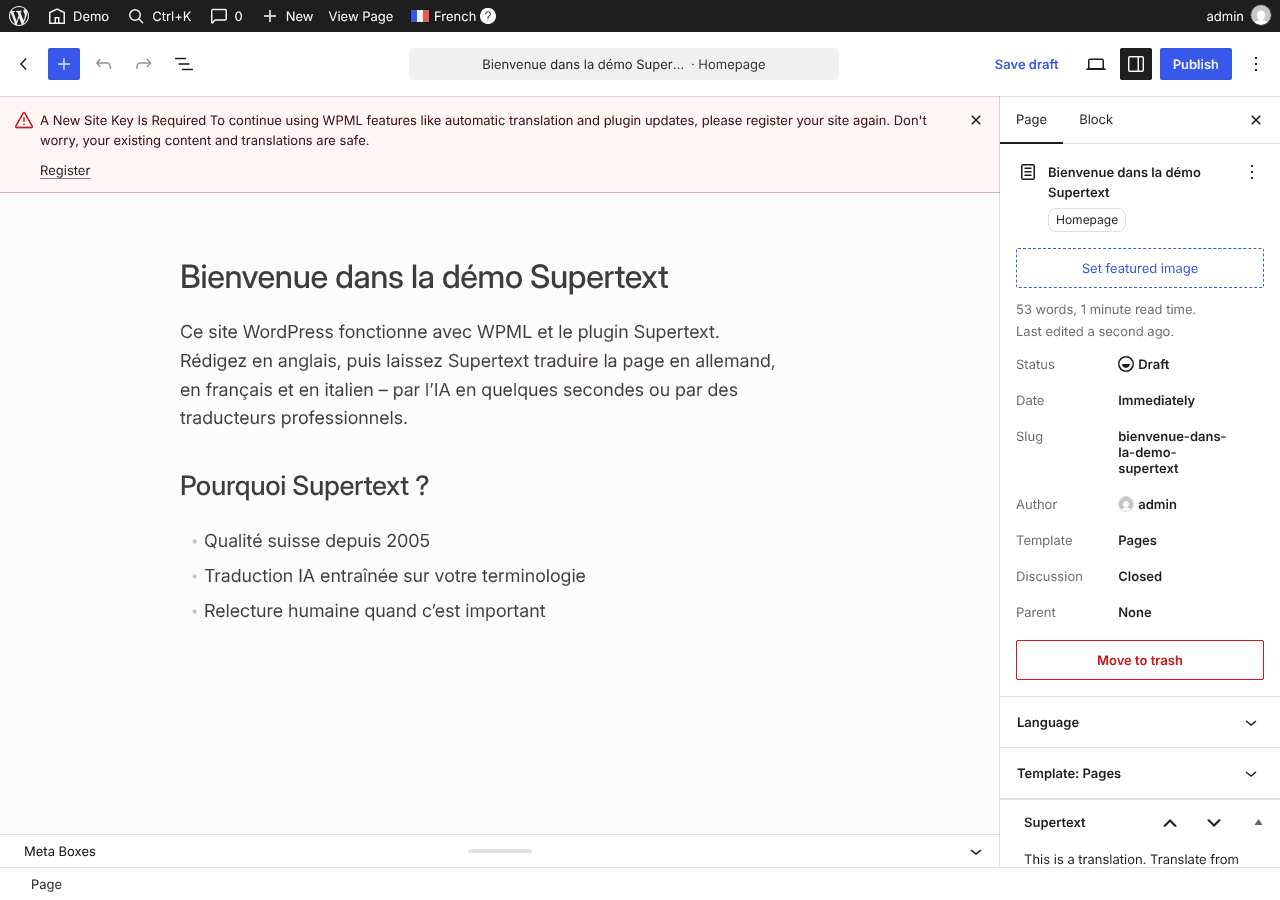
- One post or page: open it and use Polylang's translate with Supertext action (marked with the Supertext logo) in the languages box.
- Many at once: in Posts or Pages, select the items, choose Supertext AI Translation from Bulk actions, pick the target language and click Apply. Items that already have a translation are skipped.
Gutenberg blocks, the classic editor, ACF fields, categories, tags and SEO meta are translated through Polylang's own pipeline; YOOtheme Pro layouts and Gravity Forms are supported too.
6. Review and publish
Polylang creates the translation linked to the original. Read it through, adjust what you'd phrase differently and publish it.
Next steps
- Need a professional translation for an important page? The plugin can order one from Supertext's linguists, with a price quote, right from WordPress.
- More on the WordPress integration page, including the XLIFF and HTML export for your own translators.