Integrations
Most multilingual WordPress sites run on one of two plugins: Polylang or WPML. Supertext has worked with Polylang since October. Now Supertext for WPML is here too, free and open source.
One click per language
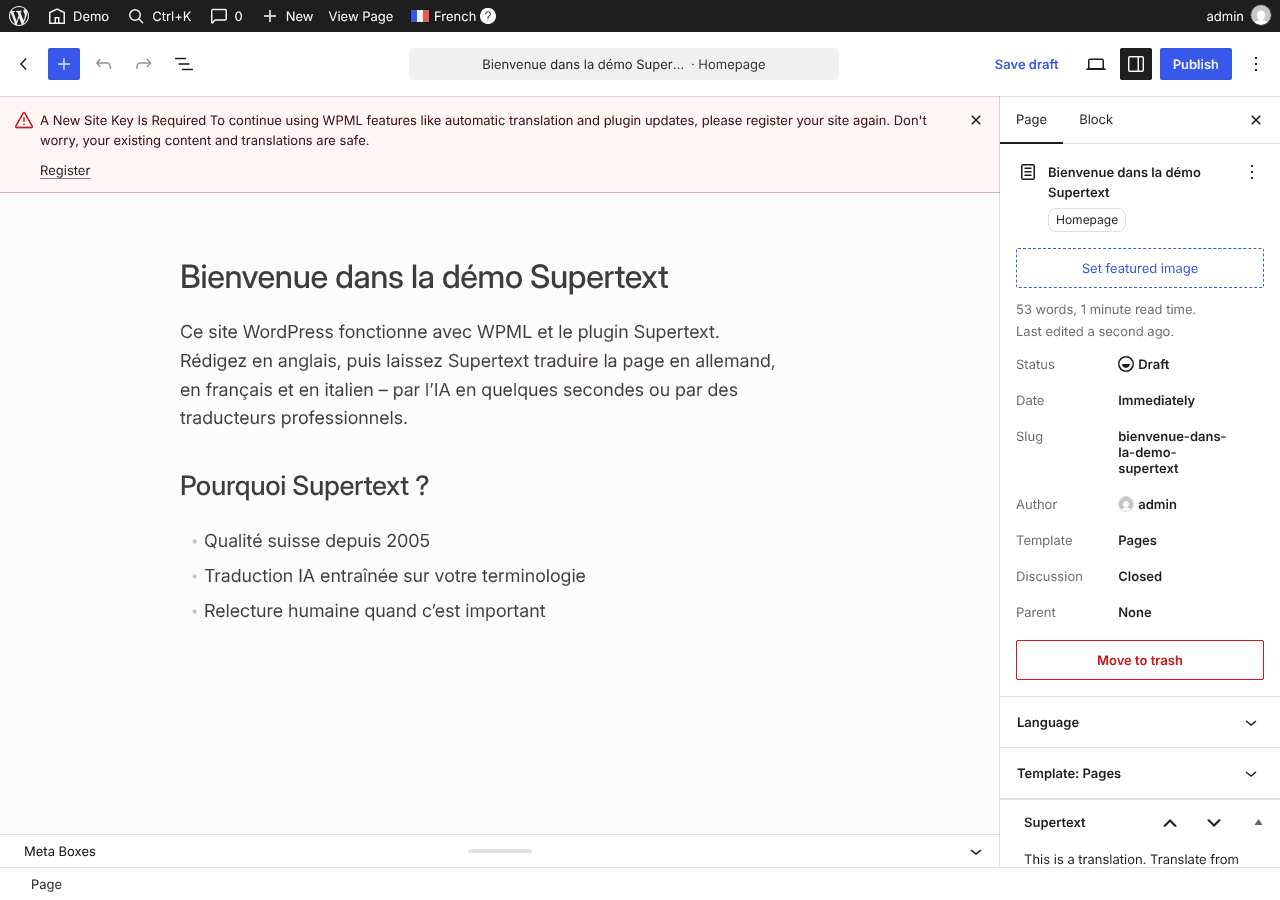
Open a post or page: the Supertext box lists your other WPML languages. Click Translate next to a language, and a few seconds later the translation is there, as a draft linked to the original in WPML. Review it and publish it as usual. Translate again replaces a translation, after a warning.
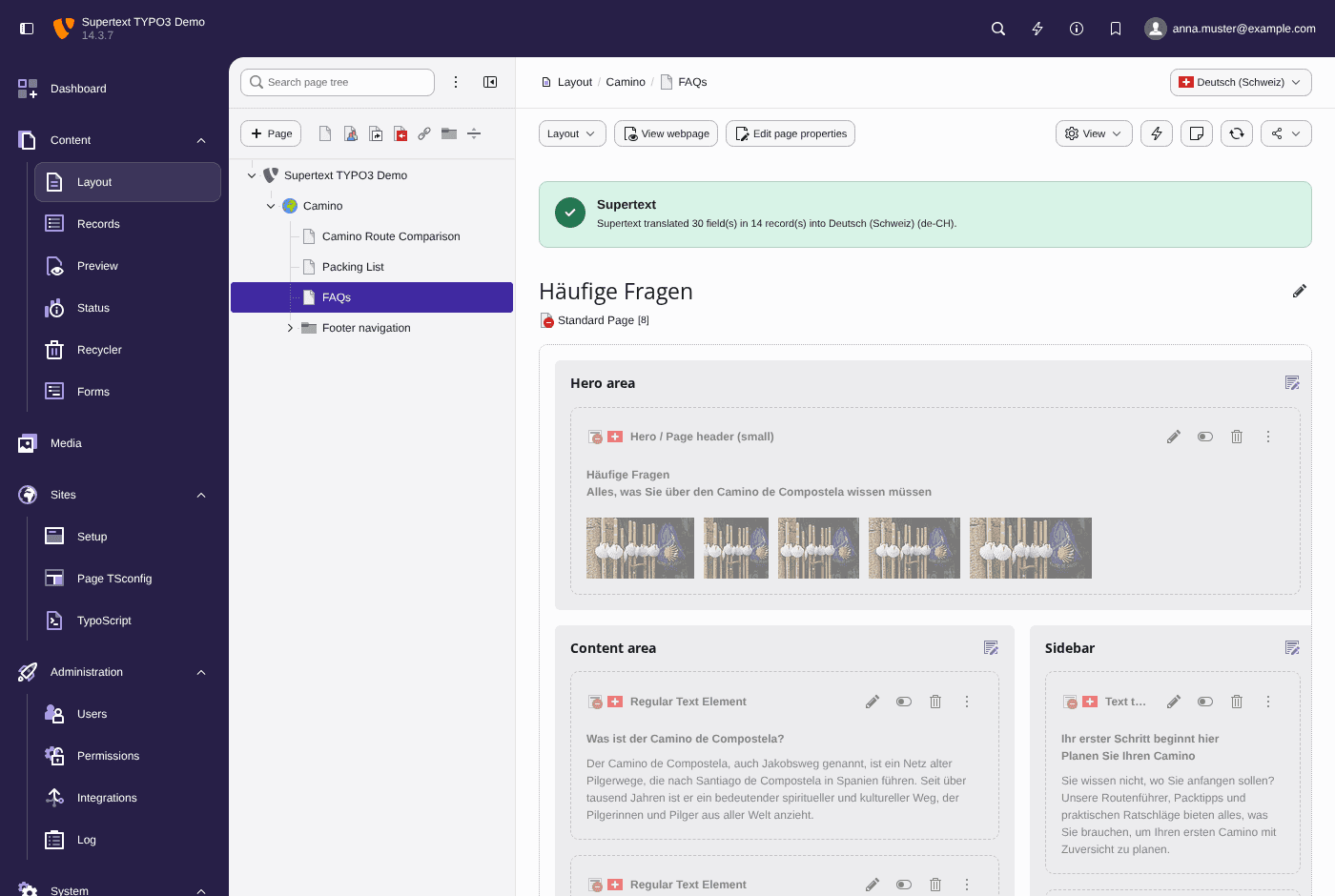
For many posts at once, select them in the Posts or Pages list and choose the bulk action Supertext AI Translation. It never overwrites a translation that already exists.
What is translated
- The title, the content block by block, and the excerpt
- The custom fields WPML is set to translate, such as the SEO title
- Categories and tags that have no translation yet
- YOOtheme Pro layouts
- New in 1.1: ACF blocks, with the text fields in repeaters and groups. With ACF Multilingual, each field's translation preference decides; without it, every text field is translated and switches, numbers, links and images stay as they are.
Professional translation and your own translators
Some texts need a person. The bulk action Supertext Human Translation shows a live price quote for each delivery option; when Supertext delivers, the translation goes into WPML automatically. And if you work with your own agency or CAT tool, export posts as XLIFF or HTML and import the translated file.
Why its own box
WPML has no interface for other machine translation services, so the plugin brings its own box and bulk actions instead of appearing in WPML's translation editor. It is independent of the Polylang plugin: install the one that matches your site.
Getting started
You need WordPress 6.4 or later with WPML Multilingual CMS and PHP 8.2+. Download the zip from the latest release on GitHub and upload it under Plugins → Add New Plugin. No Supertext account yet? Create one at supertext.com. Generate your API key at supertext.com → Integrations → API (requires the Admin role).